
OneSearch - search articles, books and more
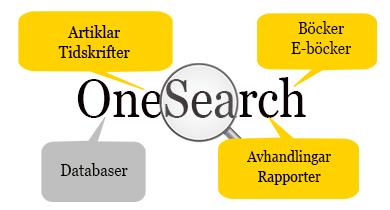
What can I find in OneSearch?
- Articles, reports etc. from most of our full text databases.
- Books and e-books.
- Free resources like DOAJ and arXiv
- Information from different publishers and databases, often in combination with subject index and full text.
When should I not use OneSearch?
In some cases it is better to use the specific topic databases and the library catalog if you want to do more specialized searches.
OneSearch contains few Swedish journals and special databases. For example, Juno, Mediearkivet and Libris are among the resources not indexed in OneSearch.
How do I search in OneSearch?
When searching OneSearch you will often get many hits and one way to get a better result is to limit your search.
Limits in the left menu
By default you search by using the "Available in library collection" limiter. This means the results come from material available either as print in the library, or as fulltext the library has access to online. If you want to see all hits you need to close this limiter.
By using "Limit to" in the left menu it is simple to limit your search. For example by using..
- Source types, such as Academic journals or E-books
- Dates
- Publisher
How do I obtain the material?
- From the menu "Access Options" click on "PDF Full text", "Linked Full Text" or the name of the provider, like "Springer Link" and you will get the full text.
- The Kau-Link icon will open up our link resolver and show links to full text or an option to order an interlibrary loan.
- "Show in library catalog" - The book is available in the library - If already borrowed on loan you can reserve it.
My ebsco
Up on the right you will se the "My ebsco" icon. From there you can find search history and saved results.
"Recent activity" will show searches made under the current session and can be used to combine searches.
Please note that to save searches and results for later use, you need to create and log in with a personal Ebsco account.